
Audit Log
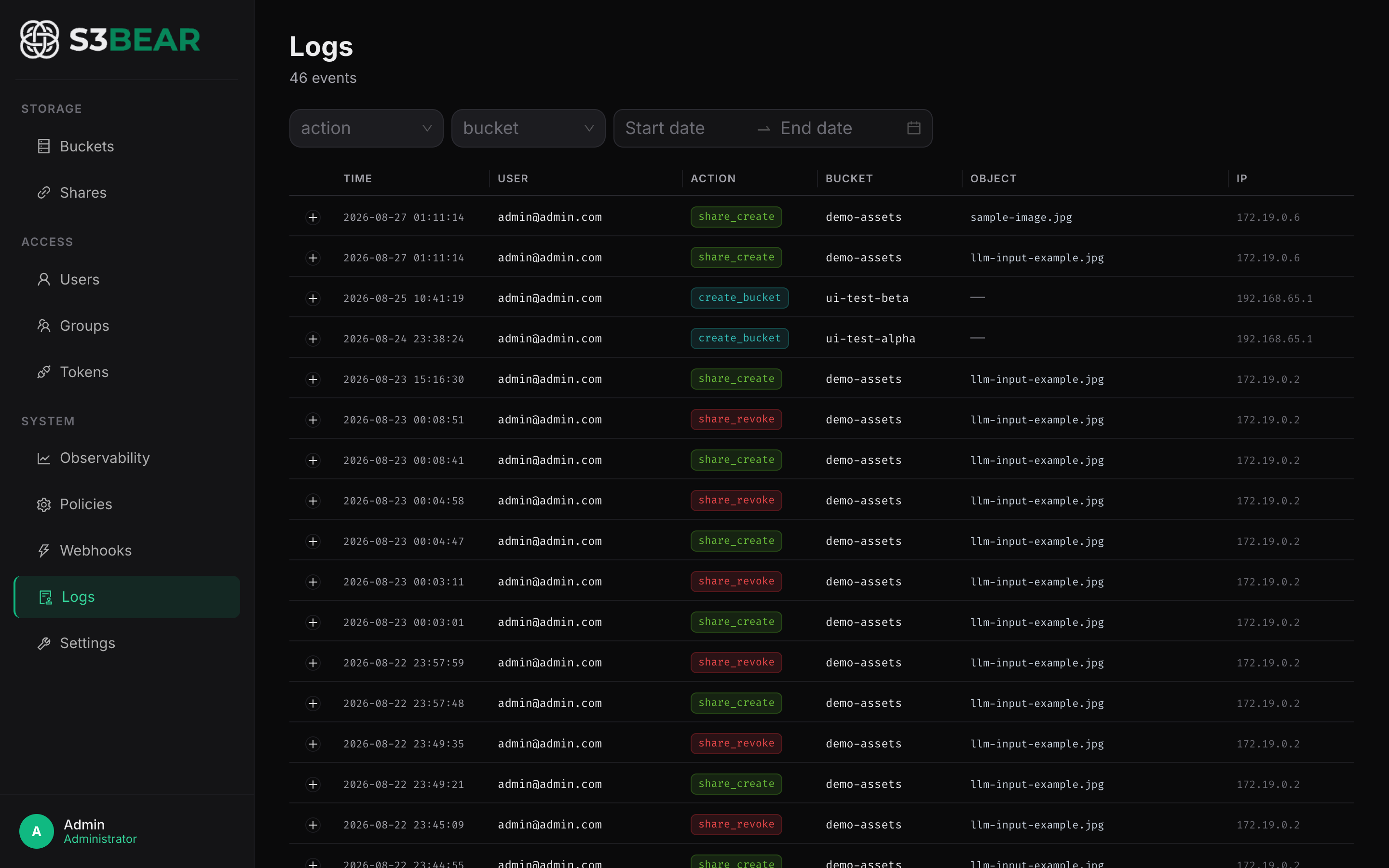
Every state-changing operation is recorded in the audit_logs table with: timestamp,
actor (user ID + email), action, bucket, object key, JSON details, and source IP.
s3bear.example.com
Recorded actions
| Action | Trigger |
|---|---|
upload | File uploaded (simple or multipart) |
delete | Object(s) deleted |
copy | Object copied |
move | Object moved |
create_bucket | New bucket created |
delete_bucket | Bucket deleted |
user_create | User created (local or Entra import) |
user_delete | User deleted |
download | Presigned download URL issued |
Optionally, every entry is also written to a flat-file log on disk (configurable, with retention) for tamper-evident archival.
How to use
In the UI: Audit Log in the sidebar. Filter by action / bucket / user / date range; expand a row for the full details JSON.
# API (admin only) — filter + paginate
curl "http://localhost:8200/api/v1/audit?action=delete&bucket=customer-data&page=1&page_size=50" \
  -H "Authorization: Bearer $TOKEN"
Use case: "Who deleted that file?"
A customer reports their onboarding PDF is missing from customer-data. Open the audit
log, filter action=delete and bucket=customer-data, and you have the user, timestamp,
and IP within seconds.
Use case: compliance evidence package
For ISO 27001 / SOC 2, auditors want to see access logs for sensitive buckets. Export the audit log filtered by bucket pattern as a CSV and attach it to your evidence binder. The flat-file mirror gives you tamper-evident archival storage.
Configuration
| Env variable | Default | Purpose |
|---|---|---|
AUDIT_LOG_ENABLED | true | Write audit entries to the database |
AUDIT_LOG_FILE_ENABLED | true | Also mirror entries to a flat file |
AUDIT_LOG_RETENTION_DAYS | 90 | File audit retention |
Related: Webhooks · Configuration