
Authentication
s3BEAR offers two parallel authentication paths, both yielding the same JWT (HS256, a 30-minute access token plus a 7-day refresh token). Each path can be independently enabled or disabled at runtime from Settings → Auth — no redeploy needed.
s3bear.example.com
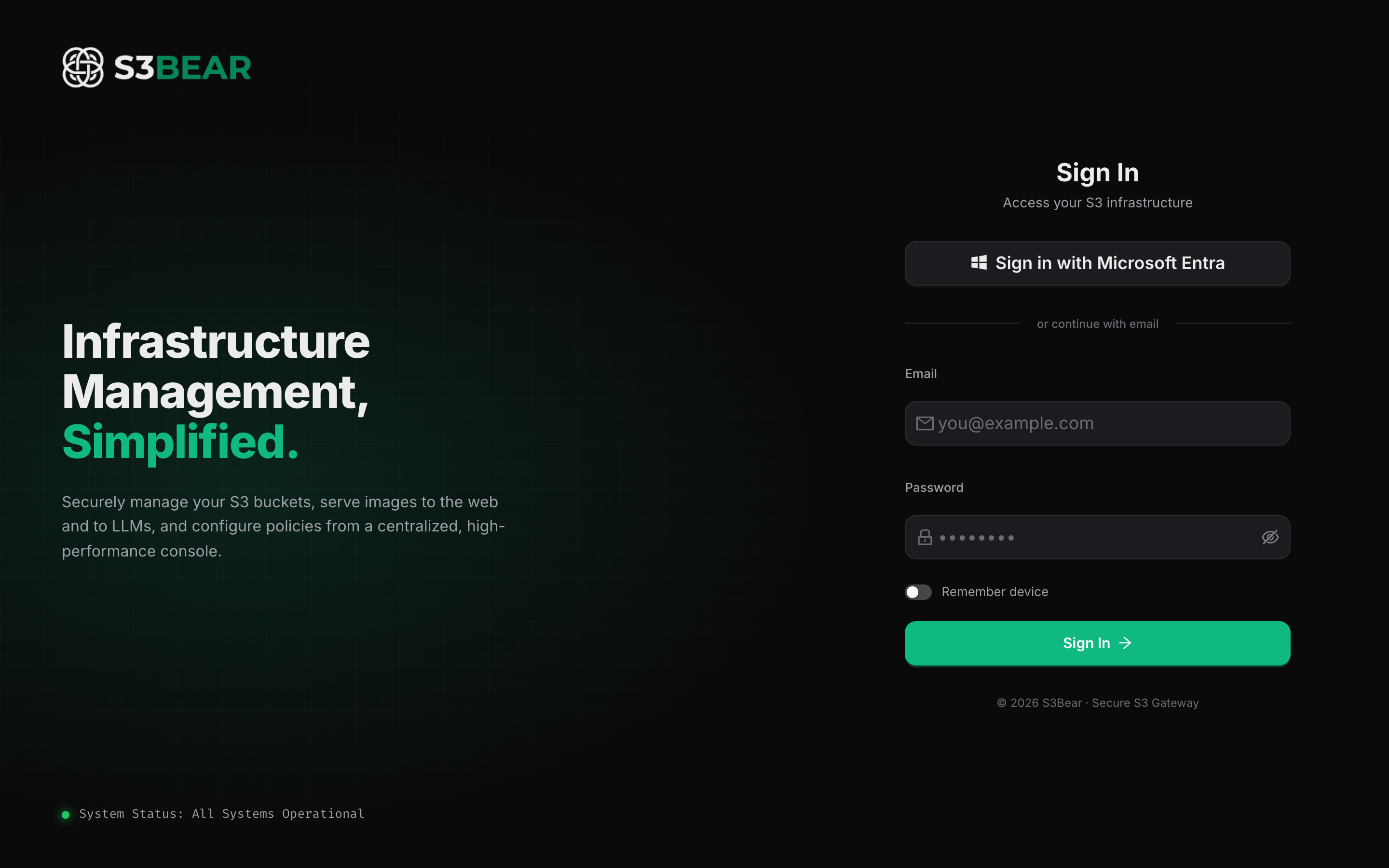
The two paths
Azure Entra (OIDC) flow
- Local auth — email + password, stored as a bcrypt hash. Useful for service accounts and bootstrap.
- Azure Entra (Microsoft Entra ID / Azure AD) — an OIDC flow via MSAL. The frontend
redirects users to Microsoft, exchanges the auth code at
/api/v1/auth/callback, and issues a JWT bound to the Azure Object ID (oidclaim).
Both paths converge on the same JWT and the same group-based permissions.
How to use
Local login (the frontend default):
curl -X POST http://localhost:8200/api/v1/auth/token \
  -d "[email protected]&password=admin"
Get the Entra login URL:
curl http://localhost:8200/api/v1/auth/login
# → { "auth_url": "https://login.microsoftonline.com/.../authorize?..." }
Refresh an access token:
curl -X POST http://localhost:8200/api/v1/auth/refresh \
  -H "Content-Type: application/json" \
  -d '{"refresh_token": "..."}'
For non-interactive clients (scripts, CI), issue a Personal Access Token instead of storing a password.
Use case: mixed internal + external users
Your organization is on Microsoft 365 — every employee has an Entra identity. You enable Azure SSO so internal users log in with their work accounts (no extra password to manage). For an offshore contractor who isn't in your tenant, you create a local account with a strong password. Both end up with the same JWT and the same group-based permissions.
Use case: auto-provisioning new SSO users
Set auto_create_users=true in app settings. When a new Entra user logs in for the first
time, a user record is created automatically with their email and display name. They land
in the system with zero permissions until an admin assigns them to a group — safe by
default. Alternatively, pre-import users via Entra User Import.
Configuration
| Env variable | Purpose |
|---|---|
SECRET_KEY | JWT signing key (min 32 chars, required) |
AZURE_TENANT_ID / AZURE_CLIENT_ID / AZURE_CLIENT_SECRET | Entra SSO credentials |
Related: Group Permissions · Personal Access Tokens · Entra User Import