
Group Permissions
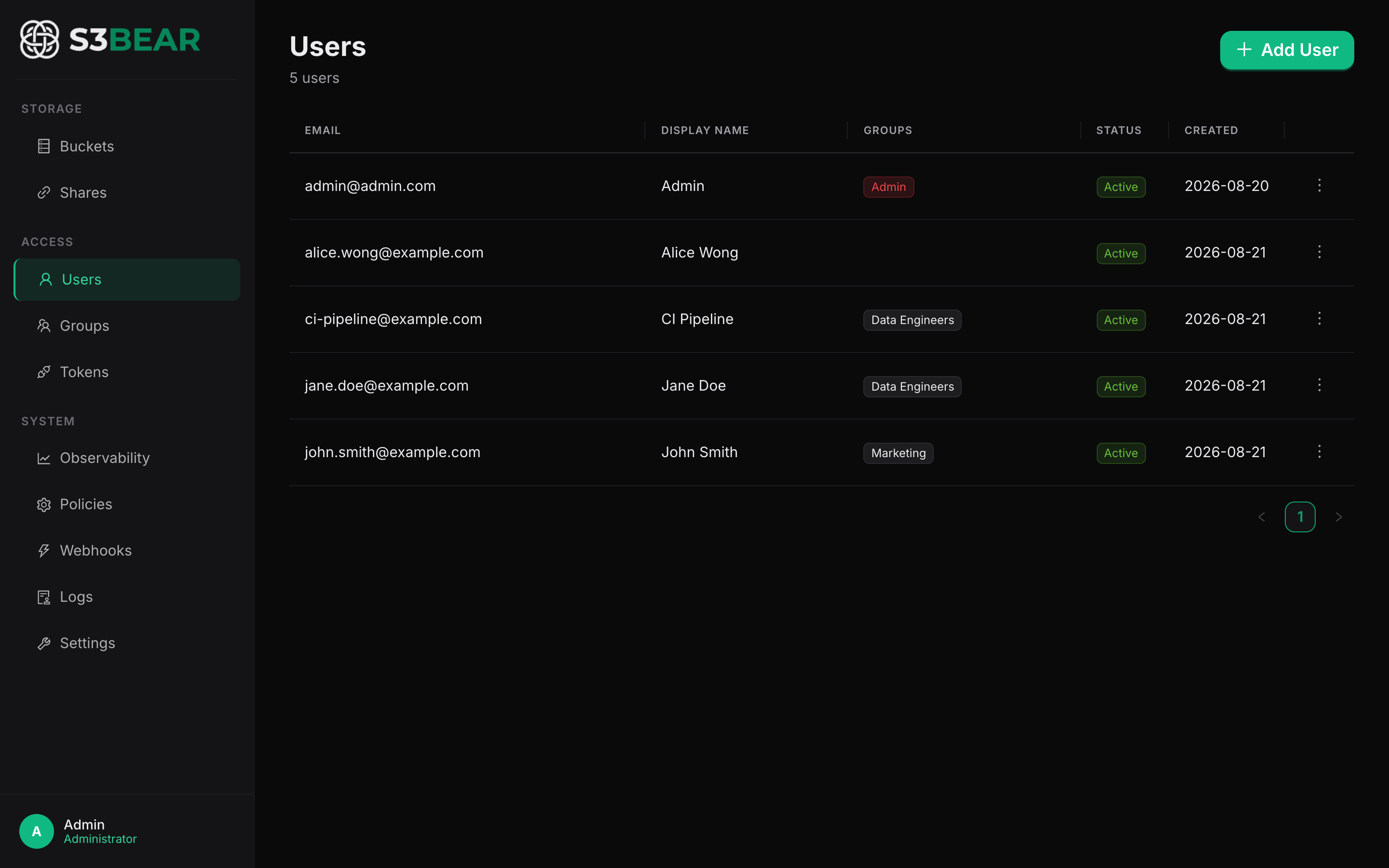
Access in s3BEAR is granted through groups, not per-user grants. This keeps permissions declarative and pattern-based, so new buckets are covered automatically.
The model
Users belong to one or more groups. Each group has a list of bucket permissions, where each permission is:
- A bucket pattern — a glob evaluated with Python
fnmatch(supports*,?,[seq]). - Four boolean flags:
can_list,can_read,can_write,can_delete.
A user's effective permission for a bucket is the union of all matching permissions across all of their groups. Admin users bypass all checks.
s3bear.example.com
How to use
From the UI: Groups → New Group → Add Permission.
Bucket pattern: logs-*
List: yes   Read: yes   Write: no   Delete: no
This grants the group read-only access to every bucket whose name starts with logs-.
Use case: per-team isolated buckets
Adopt a naming convention where each team gets buckets prefixed with their team name
(marketing-assets, marketing-leads, engineering-builds, and so on). Create one
group per team and give each group full permissions on <team>-*. New buckets matching
the pattern are automatically accessible — no need to update permissions every time
someone creates marketing-campaign-q3.
Use case: read-only auditor access
Create an Auditors group with pattern * and only can_list + can_read. Drop your
compliance team into it. They can browse and download anything for review but cannot
modify or delete.
Copy/move operations check permissions on both source and destination patterns — see Copy, Move & Bulk for the exact matrix.
Related: Buckets & Quotas · Authentication · Copy, Move & Bulk