
Personal Access Tokens
Personal access tokens (PATs) let scripts, CI jobs, and service integrations authenticate without a username and password.
s3bear.example.com
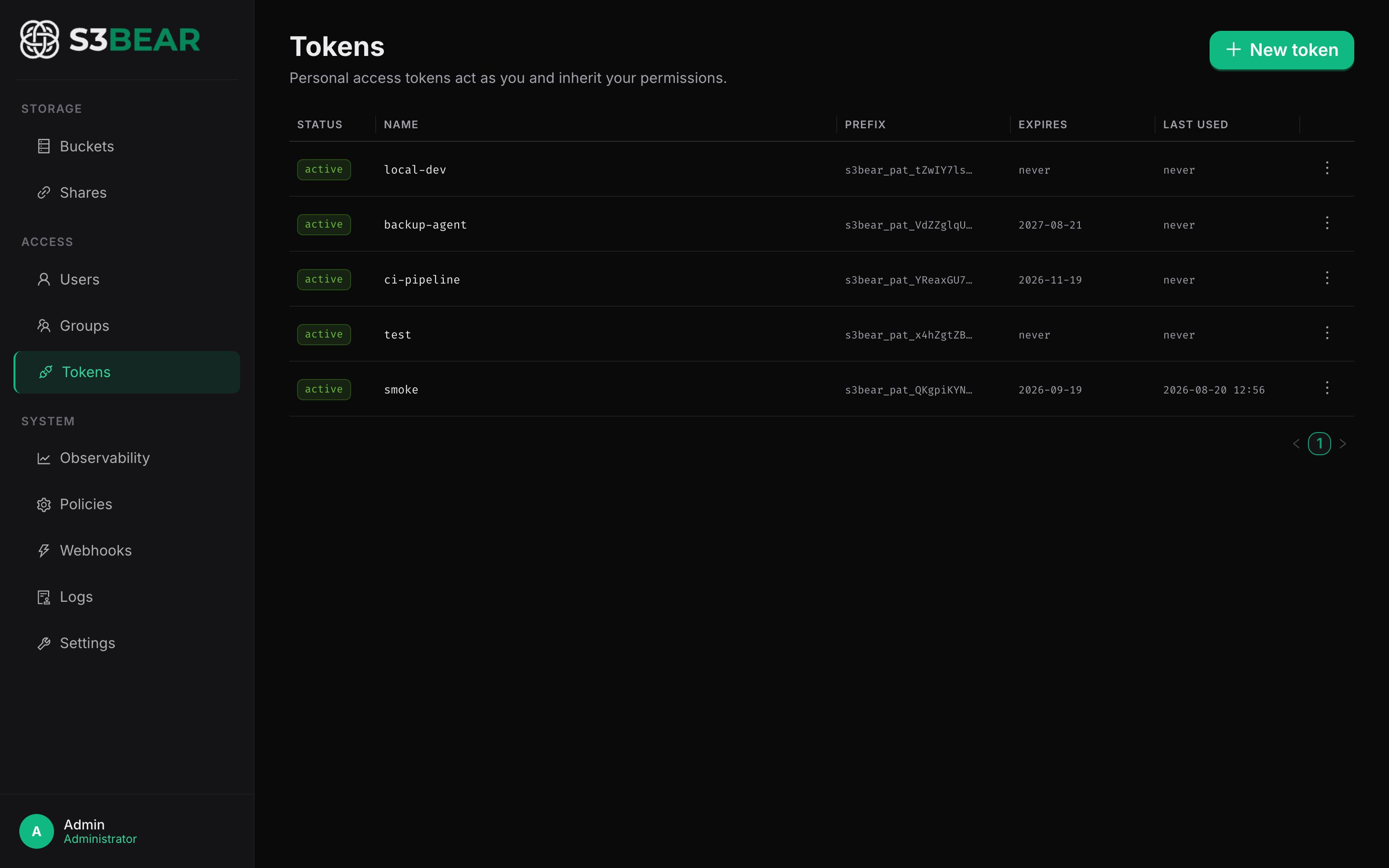
What a PAT is
- An opaque string prefixed with
s3bear_pat_, presented as a normalAuthorization: Bearercredential — so every existing endpoint accepts it. - Acts as the user who created it and inherits that user's group permissions. There are no separate token scopes.
- Stored hashed (SHA-256); the raw value is shown only once, at creation.
- Has an optional expiry (default: never) and can be revoked at any time.
- Records a throttled
last_used_atso you can spot stale or unused tokens.
How to use
UI: API Tokens in the sidebar → New token → give it a name and an expiry → copy the token (shown only once). Revoke it from the same page when it's no longer needed.
API:
# Create a token (using an interactive session's JWT, or another PAT)
curl -X POST http://localhost:8200/api/v1/tokens \
  -H "Authorization: Bearer $JWT" -H "Content-Type: application/json" \
  -d '{"name": "ci-pipeline", "expires_in": "90d"}'
# → { "id": "...", "name": "ci-pipeline", "token": "s3bear_pat_...", "token_prefix": "s3bear_pat_AbCd1234", "expires_at": "2026-11-17T..." }

# Use it like any Bearer token
curl http://localhost:8200/api/v1/buckets \
  -H "Authorization: Bearer s3bear_pat_..."

# List and revoke
curl http://localhost:8200/api/v1/tokens -H "Authorization: Bearer $JWT"
curl -X DELETE http://localhost:8200/api/v1/tokens/<token-id> -H "Authorization: Bearer $JWT"
expires_inaccepts30d/90d/365d, an integer number of seconds, ornever(the default).
Use case: CI pushing build artifacts
Your CI pipeline needs to upload artifacts to builds-staging on every run. Create a
service user, put it in a group with write on builds-*, and issue a 90-day PAT named
ci-pipeline. The pipeline uses the token as a Bearer credential; if the token leaks, you
revoke it from the UI without touching the account password, and the last_used_at
column tells you whether it's still in use before you rotate it.
Related: Group Permissions · Authentication